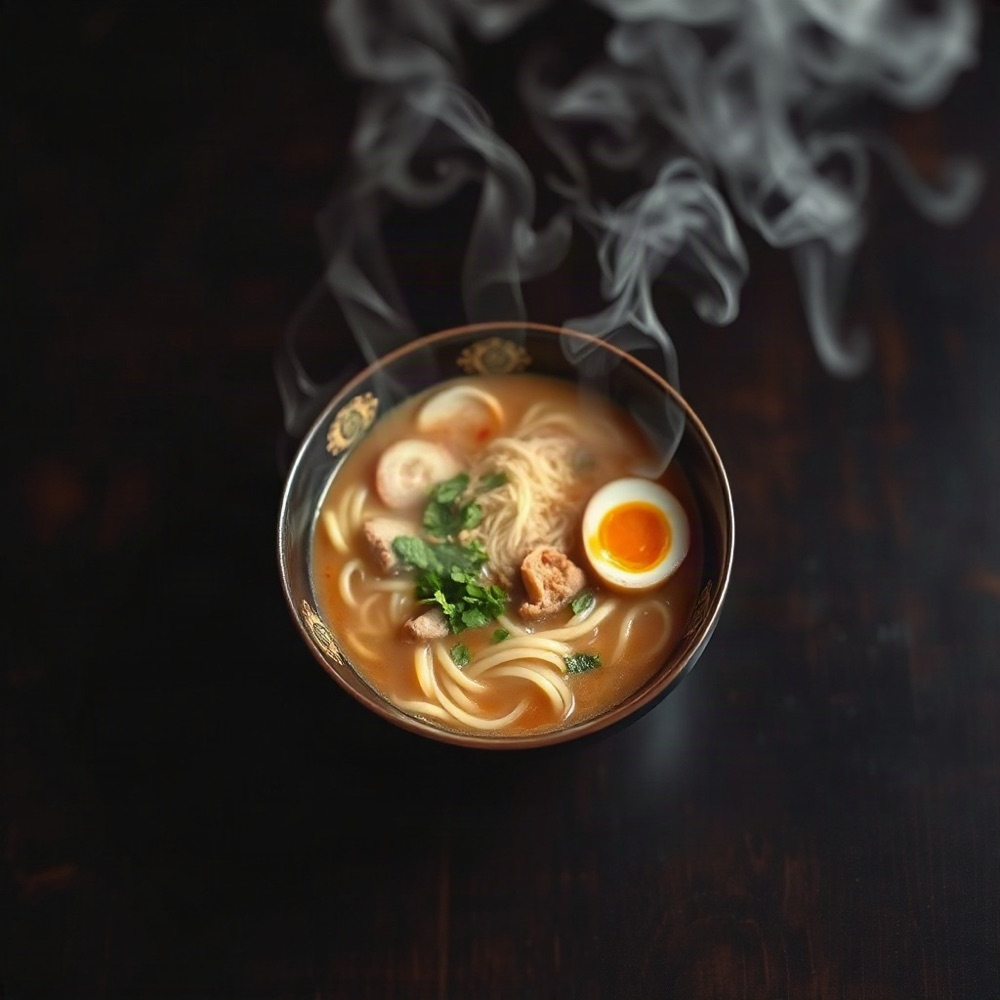
Free AI Photo GeneratorCreate Stunning Images from Text

Free to try · No signup needed ·
Text to photo in seconds

0/1000
3 free photos to try·No signup·HD & commercial use with Pro

Click any example to try its prompt

Your results

Sample output

A cozy log cabin in a snowy Colorado pine forest at night, warm light in the windows

Portrait of a young Italian woman in a Tuscan sunflower field, golden hour, shallow depth of field

Rain-soaked New York street at night, yellow taxi, neon reflections on wet pavement, cinematic

How it works

Generate AI Photos in 3 Steps

  1. 01

    Type your prompt

    Describe the photo you want in plain English. Mention the subject, setting and lighting. A few words work, and so does a full paragraph.

  2. 02

    Pick an aspect ratio

    Choose 1:1, 4:3, 3:4, 16:9 or 9:16 to match where the photo will be used. Square suits social posts, 16:9 suits headers and slides, and 9:16 suits stories and phone screens.

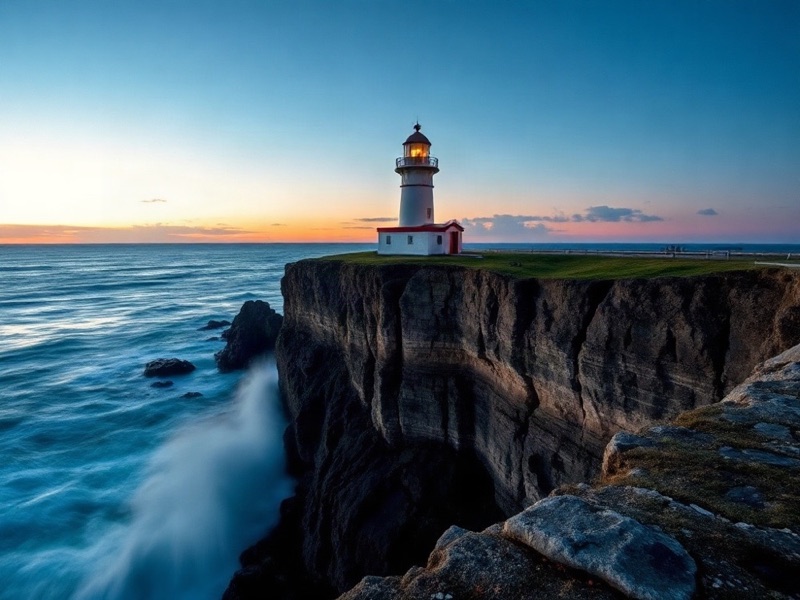
  3. Generated photo of a lighthouse ready to downloadDownload
    03

    Download your photo

    Your image is ready in seconds. Download it right away, try again for a new take, or upgrade to Pro for HD with no watermark.

Features

Why Choose Our Free AI Photo Generator

A text to photo AI tool that does one thing well: turns your words into an image you can download and use.

Instant Text-to-Photo Generation

Type a prompt and your image appears in seconds.

No Signup Required — Start Immediately

No email, no account, no password. Start creating right away.

Free Daily Photos, Pro When You Need It

Try 3 photos free, then get 5 free every day with a free account. Upgrade for HD, no watermark and commercial use.

Works on Desktop, Tablet & Mobile

Runs in any modern browser on desktop, tablet and mobile.

No signup

AI Photo Generator with No Signup Required

Privacy. Most AI image tools ask for an email before you can type a single word, which ties every prompt you write to your identity. Our AI photo generator skips that step, so there is no profile to build, no history linked to your name and nothing to leak.

Speed. Signup flows, verification emails and onboarding screens add minutes before you see a result. Here you open the page, describe the photo and press Generate. The first image is ready in seconds.

Zero spam. Without an email address there is no way to send newsletters, upgrade reminders or promotional offers. You come when you need an image and leave when you are done.

  • No email required
  • No password to remember
  • No spam
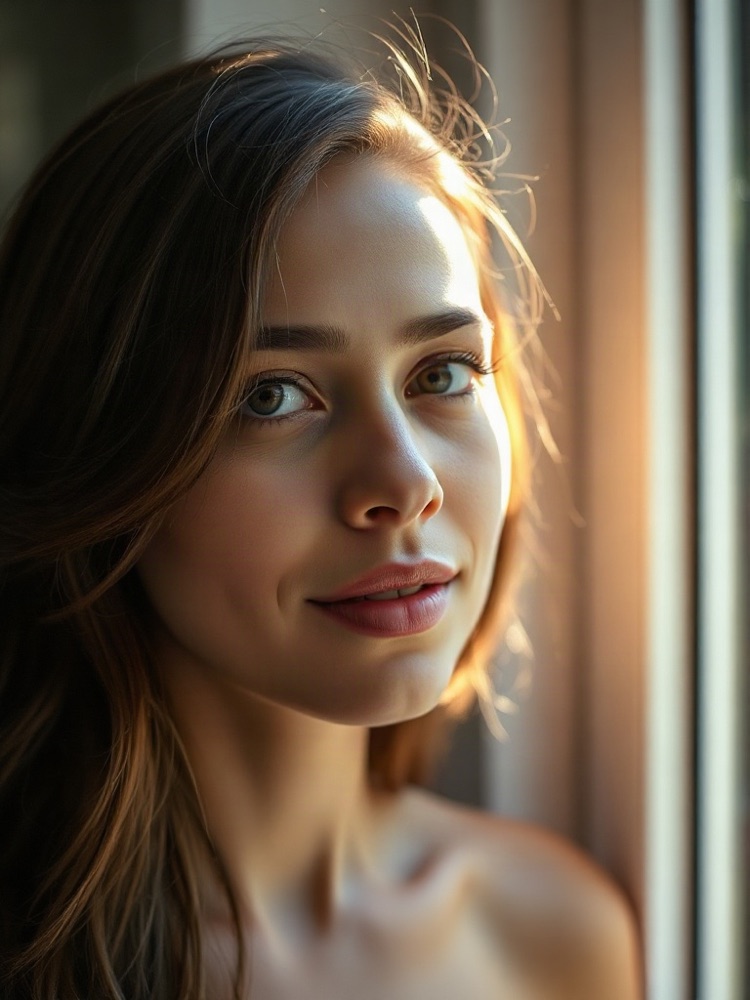
AI generated portrait of a woman in soft window light
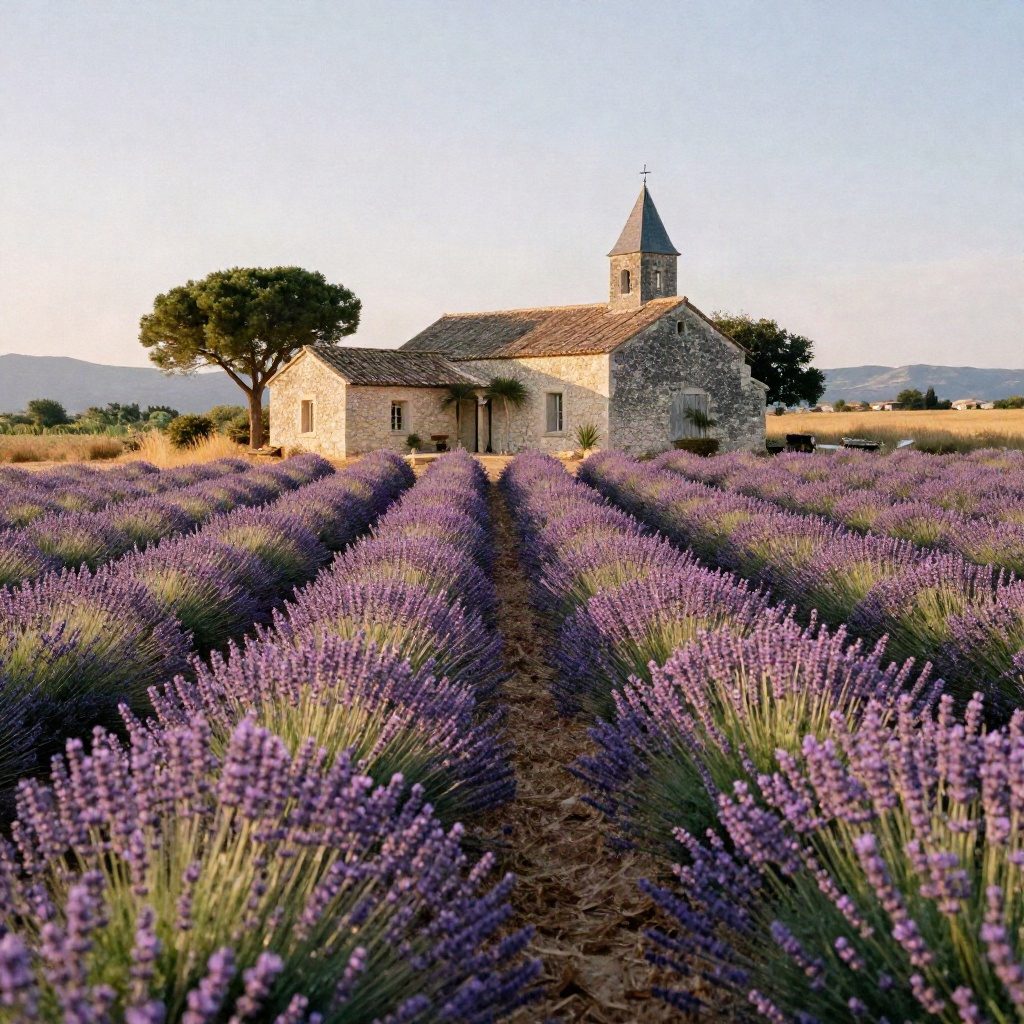
AI generated lavender field with a stone farmhouse in Provence
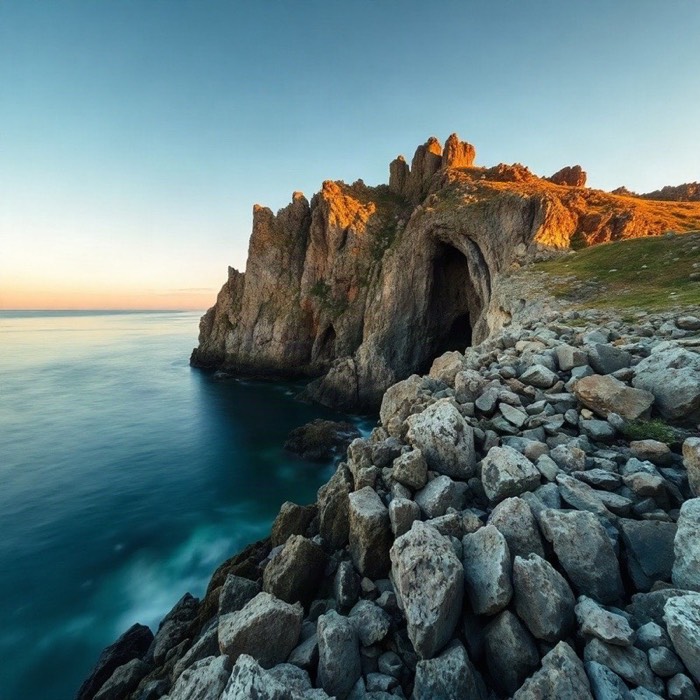
AI generated Amalfi coast cliffs at golden hour
Pricing

AI Photo Generator Pricing — Free & Pro Plans

Start on the Free plan with no signup. Our AI photo generator gives you 3 free photos to try, then 5 free photos every day when you sign in. Upgrade to Pro when you need HD output, no watermark or a commercial license.

Free

For trying it out

$0forever

No card, no signup

3 free images to trythen 5 a day when signed in
  • Standard model at 1K (1024px)
  • Small watermark
  • Personal use
  • No signup to try it
Start free

Plus

For personal projects

$9.99/mo

billed monthly

300 credits / month≈ 300 standard images
  • No watermark
  • HD 2K and Ultra 4K
  • Seedream 4.5 and Nano Banana
  • Commercial license
  • Top up anytime with credit packs

Pro

Recommended

For creators who publish often

$19.99/mo

billed monthly

800 credits / month≈ 800 standard images
  • No watermark
  • HD 2K and Ultra 4K
  • Seedream 4.5 and Nano Banana
  • Commercial license
  • Top up anytime with credit packs

Studio

For teams and heavy use

$39.99/mo

billed monthly

2,000 credits / month≈ 2,000 standard images
  • No watermark
  • HD 2K and Ultra 4K
  • Seedream 4.5 and Nano Banana
  • Commercial license
  • Top up anytime with credit packs
Compare all plans, credit packs and credit costs

Credit packs start at $4.99 and never expire.

Text to photo

Turn Text into Photos — Instantly & Free

Text to photo AI rewards detail. The short prompts leave the model to guess; the longer ones describe subject, setting, light and camera, and the results look like photographs someone planned.

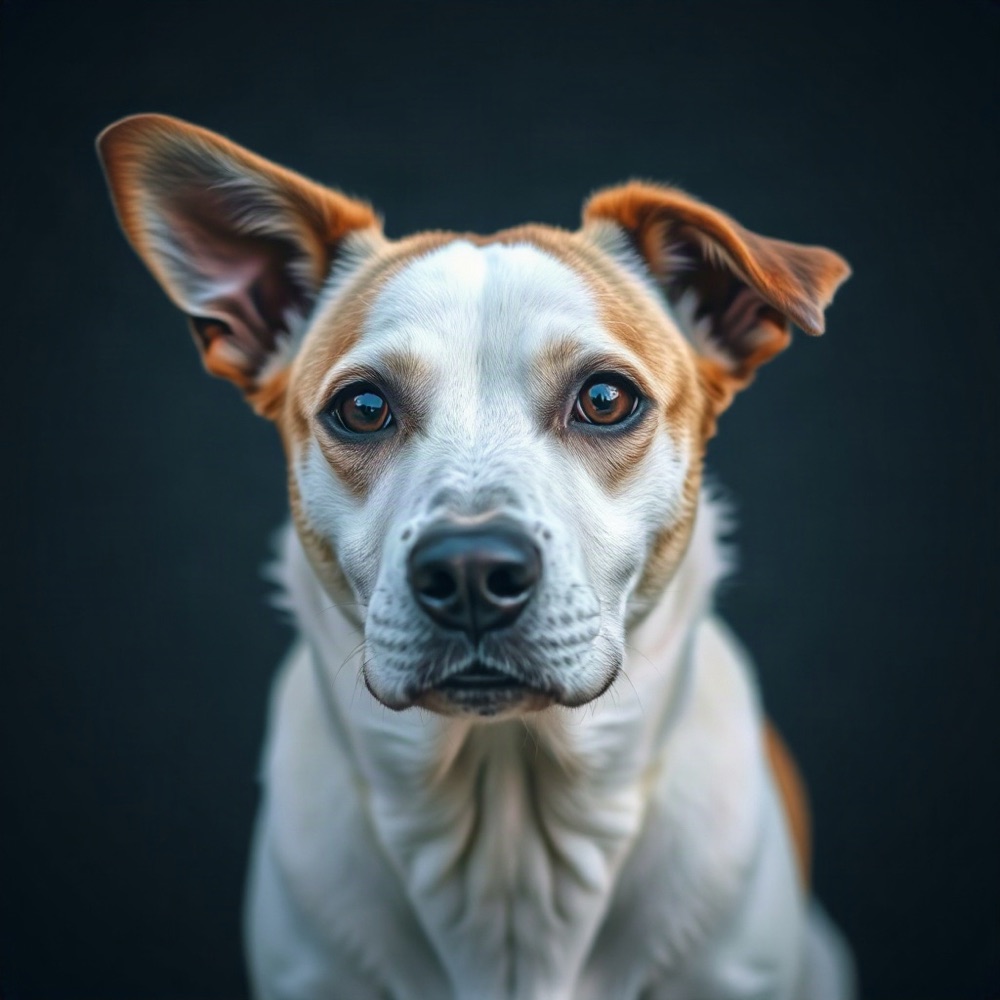
Generic close-up portrait of a dog against a plain dark background
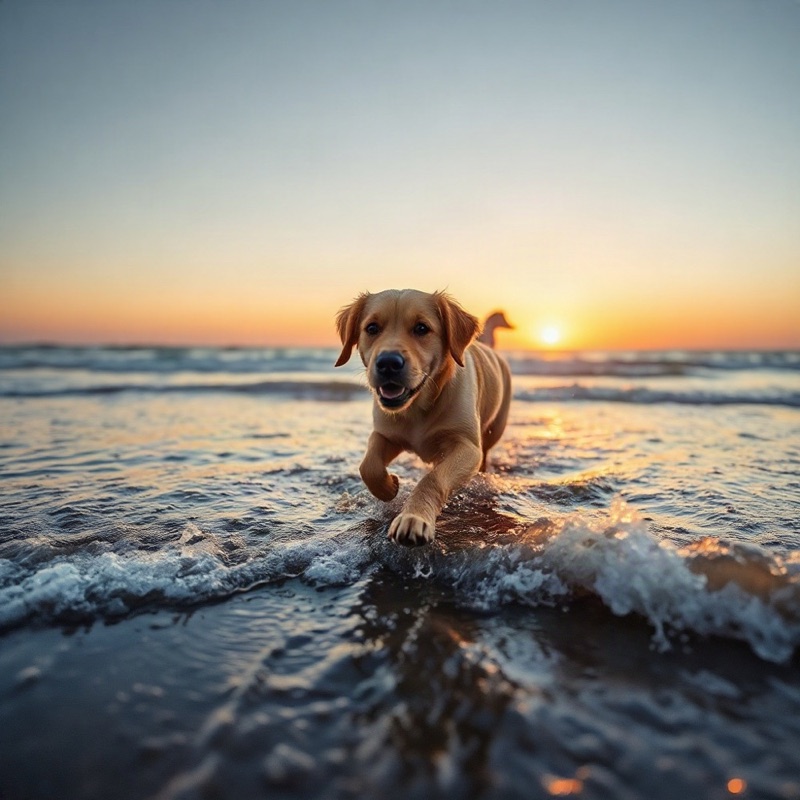
Golden retriever running through surf at sunset
Bad prompt

a dog

Good prompt

A golden retriever running through shallow surf at sunset, water splashing, telephoto lens

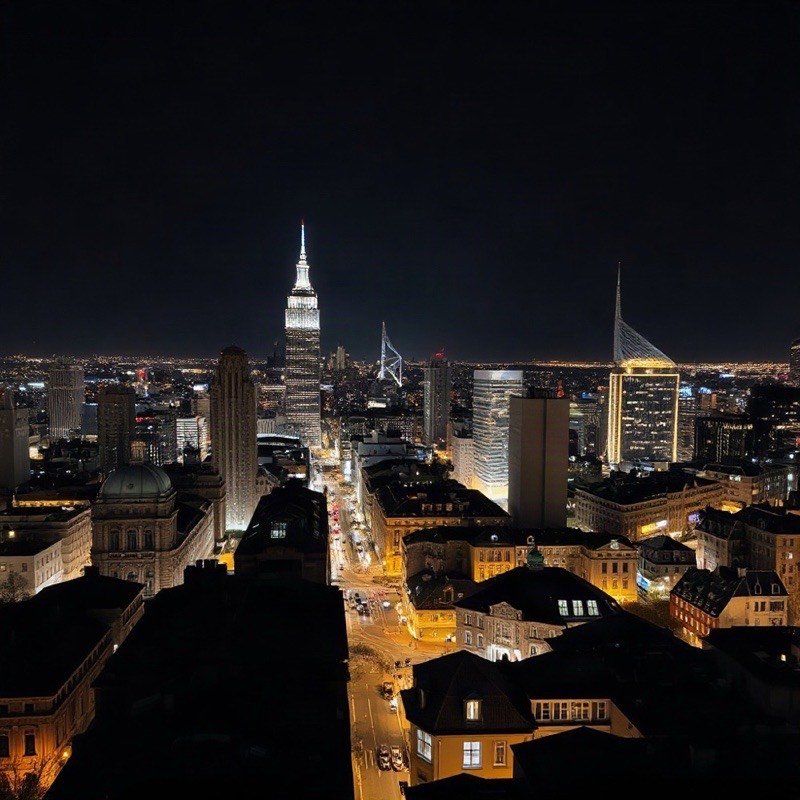
Generic city skyline at night with no distinct composition
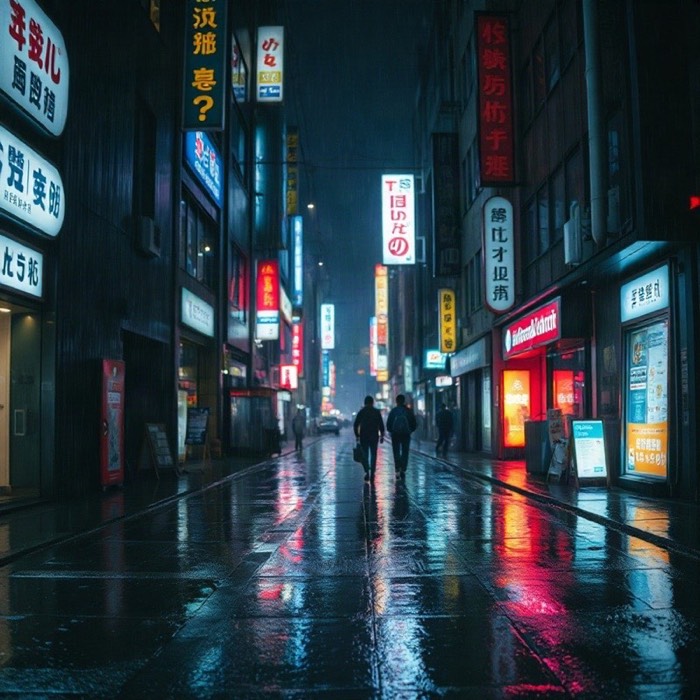
Rain-soaked London street at night with a red double-decker bus
Bad prompt

city at night

Good prompt

Rain-soaked London street at night, red double-decker bus, neon reflections on the pavement, cinematic wide shot

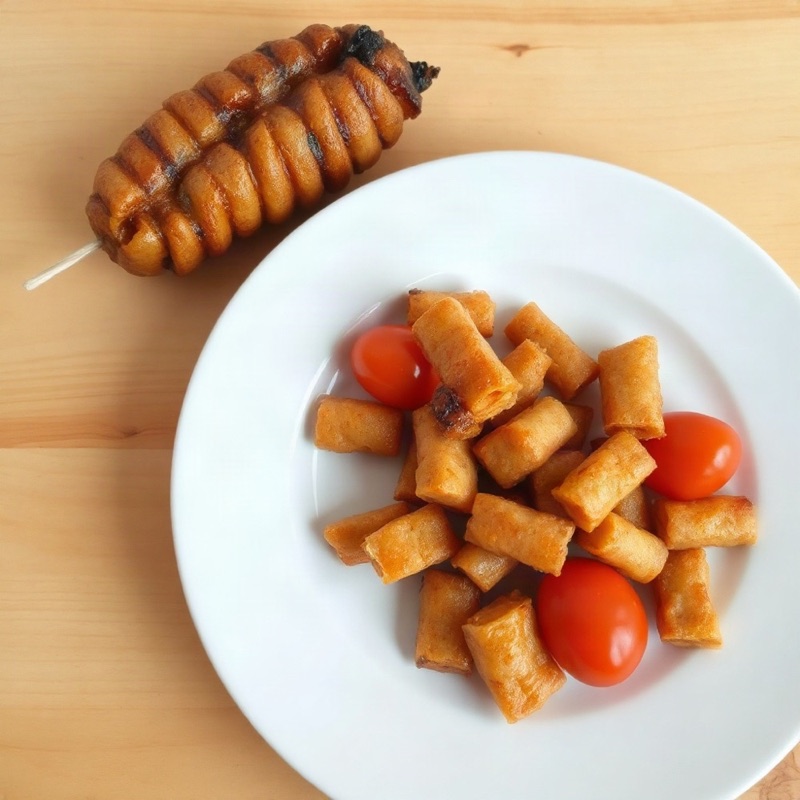
Generic plate of food with no distinct composition
Stack of blueberry pancakes with maple syrup on a wooden table
Bad prompt

food photo

Good prompt

Stack of blueberry pancakes with maple syrup on a rustic wooden table, soft side light, 50mm lens

How to Write a Good AI Photo Prompt

1

Subject and scene

Start with what is in the photo, then where it is and what is happening. “A dog” gives the AI photo generator almost nothing; “a golden retriever running through shallow surf” gives it a scene. Name one clear subject rather than several competing ones, and describe it with concrete details such as age, material, colour or clothing. Add the setting in a few words: a quiet kitchen, a busy train platform, a pine forest after snow. If something should be happening, say so with a verb, because action gives the image a focal point.

2

Light and mood

Golden hour, overcast, neon at night, soft window light. Lighting changes a photo more than any other single word. Low, warm sun makes skin and landscapes glow; flat overcast light suits products and portraits with even tones; hard midday sun gives strong shadows and contrast. You can also name the mood, such as calm, moody or cinematic, and the colour palette, such as muted earth tones or saturated blues and oranges. Keep mood words consistent with the lighting so they do not pull the image in different directions.

3

Camera and frame

Add “35mm film”, “shallow depth of field” or “wide-angle” for a photographic look. Use 9:16 for portraits and wallpapers, 16:9 for landscapes and banners. Say how close the camera is: close-up for faces and details, medium shot for people from the waist up, wide shot for places. Mention the angle when it matters, such as overhead for food or low angle for architecture. If a result is close but not quite right, change one detail at a time and press Try Again, so you can see which word made the difference.

FAQ

Frequently Asked Questions

Yes. AI Photo Generator is free to use: it turns text into photos in seconds. The Free plan includes 3 photos to try with no signup, then 5 a day with a free account, and Pro unlocks HD output, no watermark and commercial use.

Free gives you 3 photos to try with no account, then 5 a day when you sign in, at 1024px with a small watermark, for personal use. Paid plans (Plus, Pro and Studio) give you a monthly allowance of credits instead of a daily count, with no watermark, HD 2K and Ultra 4K output, the premium Seedream 4.5 and Nano Banana models, and a commercial license.

No. You do not need an account, email or password to try it: open the page, type a prompt and press Generate. Your first 3 photos need no signup; sign in free to get 5 photos every day.

Describe the photo you want in the prompt box, choose an aspect ratio, and click Generate. Prompts that mention subject, setting, lighting and camera style give the best results.

Commercial use is included with every paid plan and with images made using credits from a credit pack. Images made on the Free plan are for personal use and carry a small watermark.

All five aspect ratios are available on every plan: 1:1, 4:3, 3:4, 16:9 and 9:16. Free images are generated at 1024px; with credits you can choose HD 2K or Ultra 4K.

Without an account you get 3 free photos to try in total. Sign in for free and you get 5 photos every day, and that count resets every 24 hours. Paid plans replace the daily count with monthly credits.

Yes. It runs in any modern browser on phones, tablets and desktops, with nothing to install.

Paid plans and credit packs give you credits, and each image uses credits depending on the model and quality you pick. A standard image costs 1 credit; HD 2K and Ultra 4K cost more, and the premium Seedream 4.5 and Nano Banana models cost 6 to 9 credits. The pricing page lists the exact cost of every option. While you have credits, every image is made without a watermark.

Credits from a monthly or annual plan are added each month and expire at the end of that month’s billing period, so they do not roll over. Credits from a credit pack never expire. When you generate, the credits that expire soonest are used first.

Yes. You can cancel from Manage billing in the account menu at any time. Your plan stays active until the end of the period you have paid for, and there are no cancellation fees.

Credits you already have stay usable until they expire: monthly plan credits at the end of the current period, and pack credits never. After that you are back on the Free plan, with 5 free images a day while signed in.

Checkout is handled securely by Stripe. Link, a Stripe company, acts as the reseller and merchant of record for your purchase, and any sales tax or VAT is calculated at checkout based on where you are. Prices are shown in USD before tax. The charge appears on your card statement as "LINK.COM* AI PHOTO GEN".

Prompt replaced